 RCVR
A guide within reach
See what’s on now, check programme details and find your favourite channels.
Xtream player
Browse your channels, find a show and start watching.
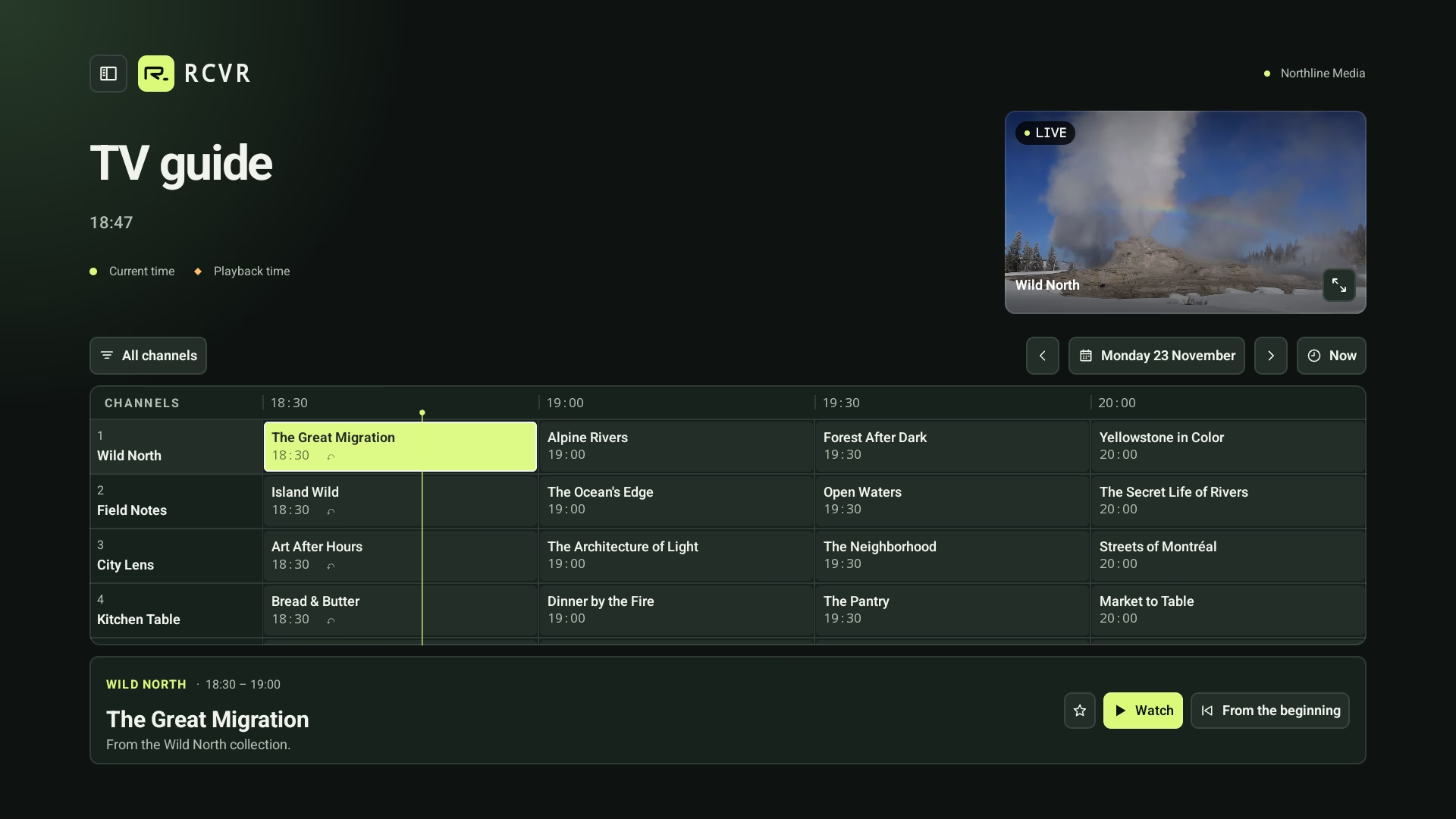
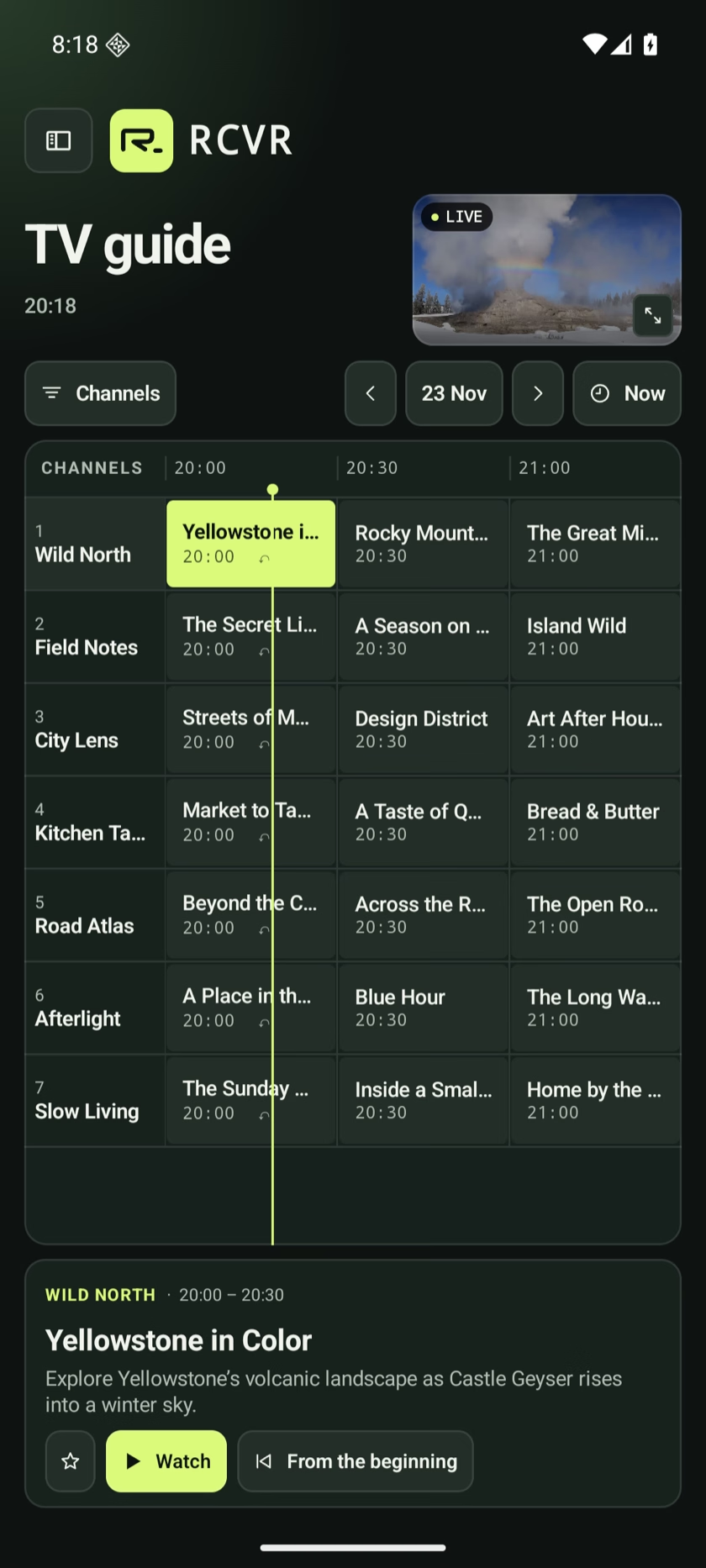
Add your own Xtream server to access its schedule, movies and series. RCVR does not provide channels or subscriptions.
See what’s on now, check programme details and find your favourite channels.
Go back in the guide and start a replay when your provider offers catch-up.
Browse your provider’s catalogue in a separate view and search by title.
Choose your device to get started.
Phones, tablets and Android TV running Android 8.0 or later.
Download the Android APKVersion V1.0.0
iPhone, iPad, Mac and Apple TV.
Submitted to the App Store
The download link will be added after Apple makes the app available.
Which operating system does your Amazon Fire TV or Fire TV Stick use?
On your Fire TV, go to Settings → My Fire TV → About and check the software version. Find your model and operating system in Amazon’s list.
For devices running Fire OS 7 or later that allow app installation through Downloader.
Downloader 7258830
Vega OS devices, such as the Fire TV Stick 4K Select, require a dedicated version of RCVR. It is not available yet.